Upload your Premiere Pro timeline to fylm.ai with a single click. No exports, no hassle—just instant access to powerful, remote, cloud-based colour grading.
Streamline your workflow
Whether you’re grading it yourself or handing it off to a colourist, our integration makes sending your project to fylm.ai fast and effortless. Streamline your workflow and elevate your visuals with ease.
Instant colour. Zero hassle.
One-click colour grade sync.
Effortless colour sync
Sync your colour grades from fylm.ai back to Premiere Pro with just one click. No manual downloads, LUTs, or round-trips—your grade appears instantly on your timeline, exactly where it belongs.
Accelerate collaborative work
Whether you’re working solo or collaborating with a colourist, this feature keeps your workflow smooth and your edits up to date. One click, and your latest cloud-based colour work is synced and ready to go.
One Library. Every Look.
All your grades in one place.
Better. Organized.
Keep all your colour grades in one secure, cloud-based hub with fylm.ai. No more scattered files, LUTs, or version confusion—everything is organised, accessible, and always up to date.
Control. Anytime. Anywhere.
Whether you’re revisiting a past project or collaborating across teams, having all your grades in one place means faster decisions, smoother workflows, and total creative control—anytime, anywhere.
Collaborate. In real time.
Keep feedback flowing.
Effortless feedback. Right inside Premiere Pro.
Gather feedback effortlessly with built-in commenting—right inside Premiere Pro. Your team’s thoughts appear instantly, directly alongside your colour grades, with no need for link sharing or switching tools.
Your comments live alongside your grades.
Whether you’re working with directors, producers, or clients, everyone stays aligned and involved. Comments live alongside your grades, making creative decisions faster, more transparent, and easier to track.
Learn how to install and get the most of our Premiere Pro extension
Watch 10-minute tutorial
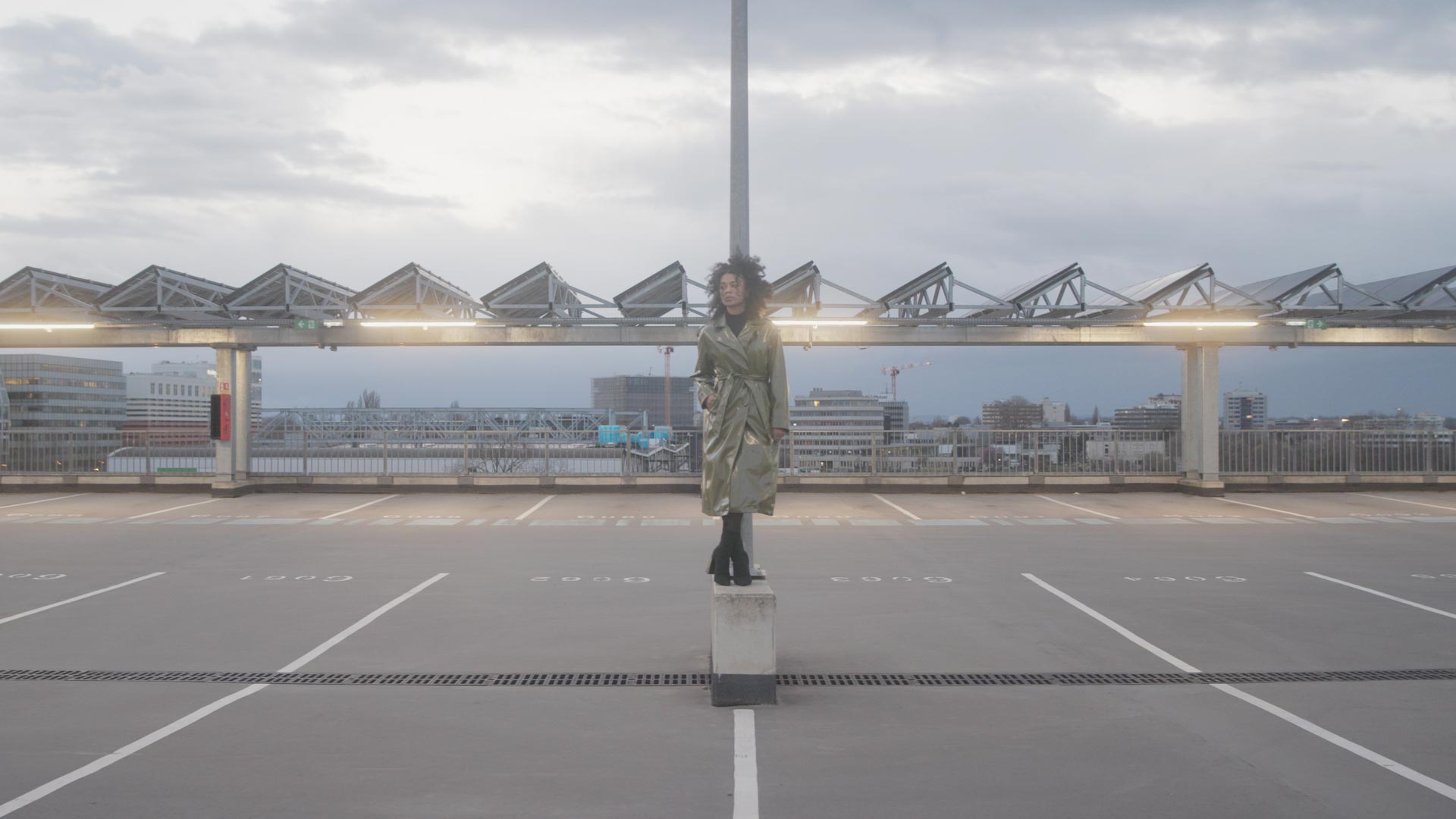
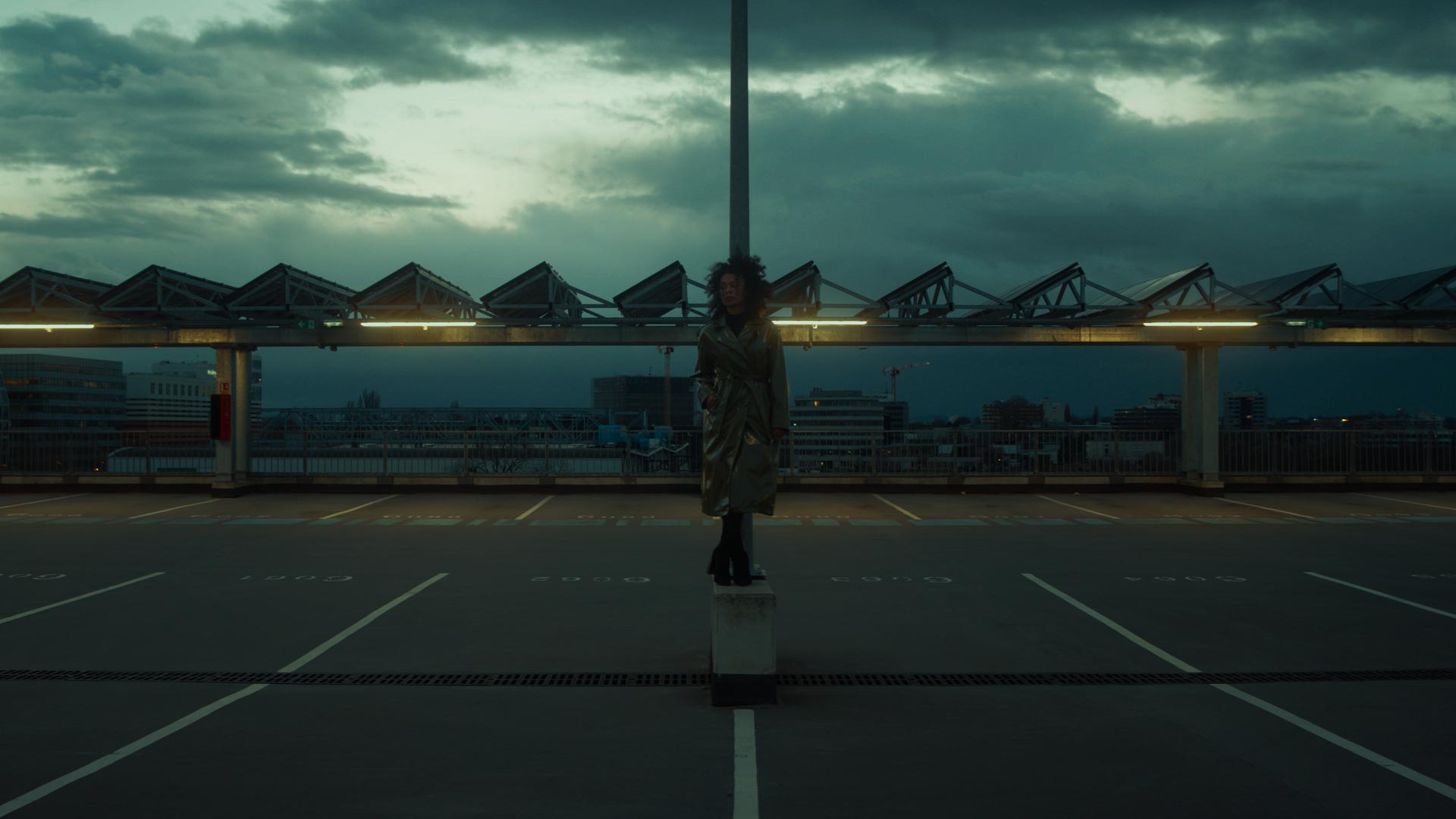
Original
Chromia NeuralToneAI model + Shadow Recovery
Original
Seraphine NeuralToneAI model
Original
Aura NeuralToneAI model + Subtractive Colour
Original
Magnolia NeuralToneAI model + Exposure
Original
Aura NeuralToneAI Model
Cinematic grades. Instantly.
Save up to 90% of time on your colour grades with NeuralToneAI, NeuralFilmAI and other tools.
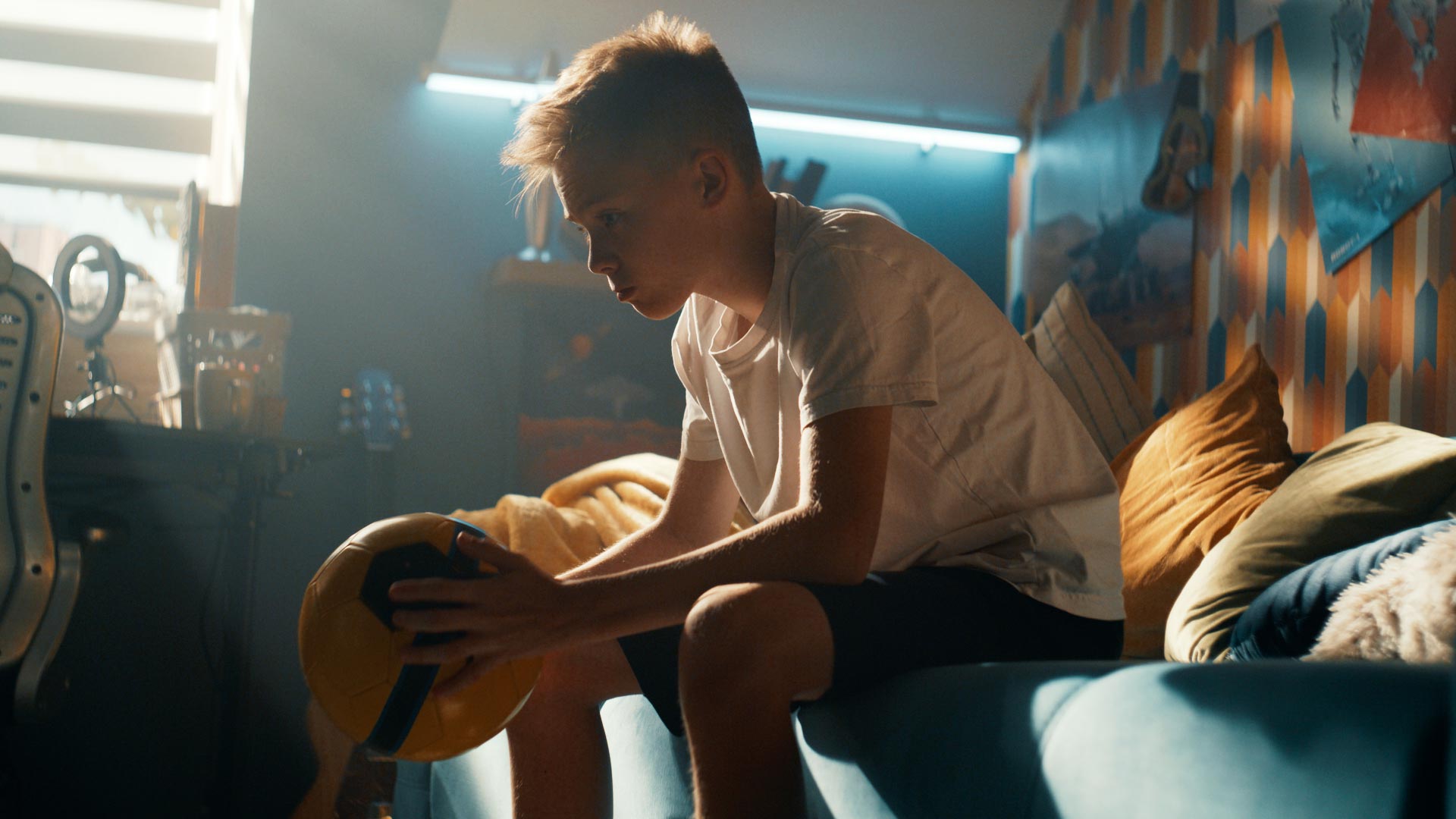
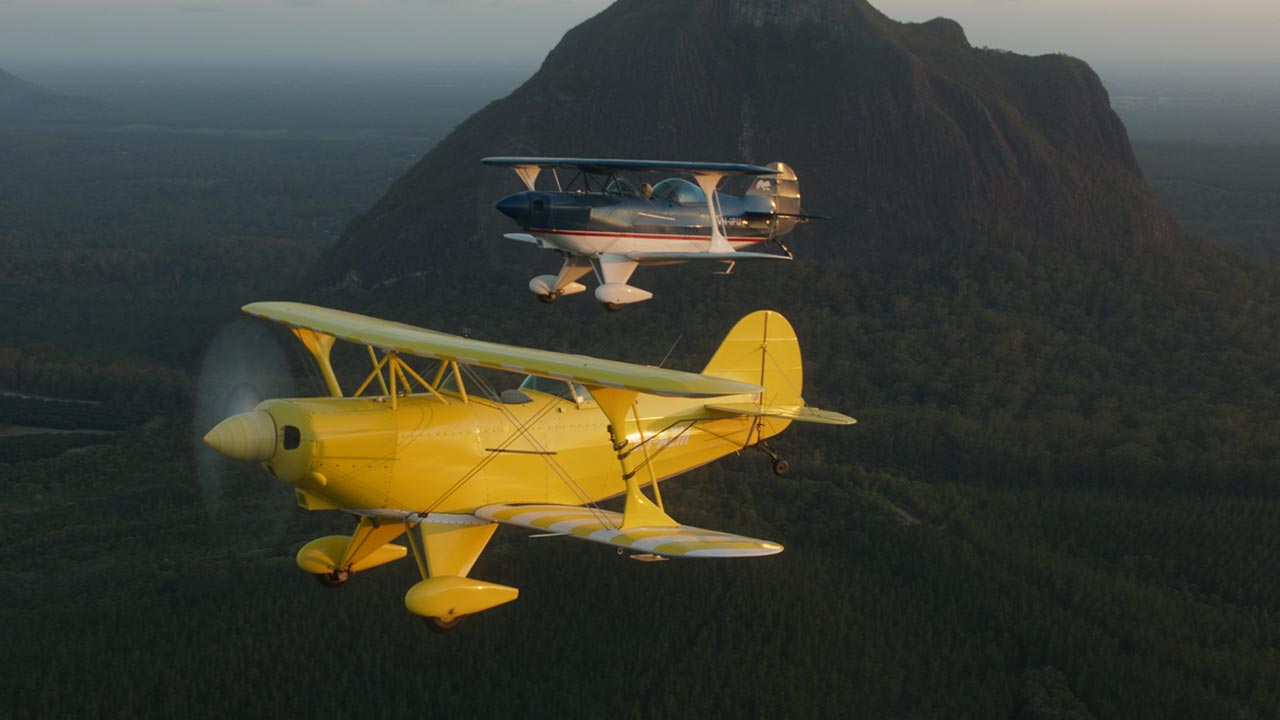
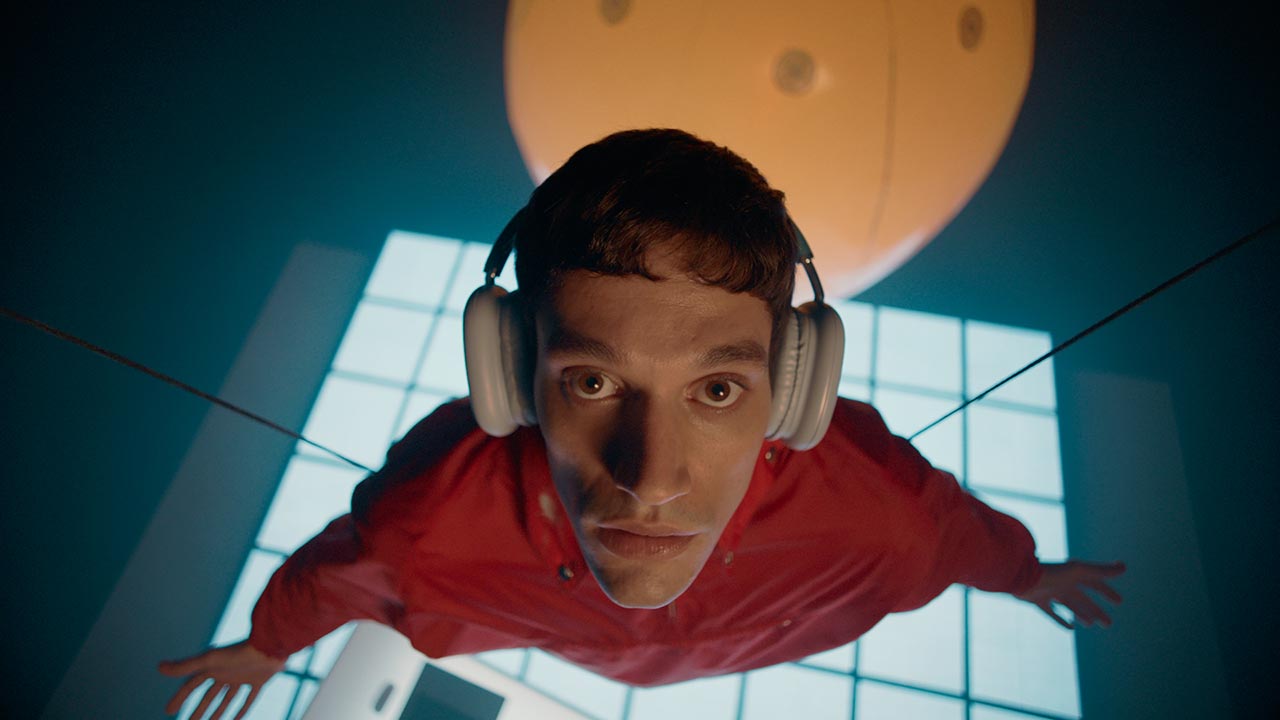
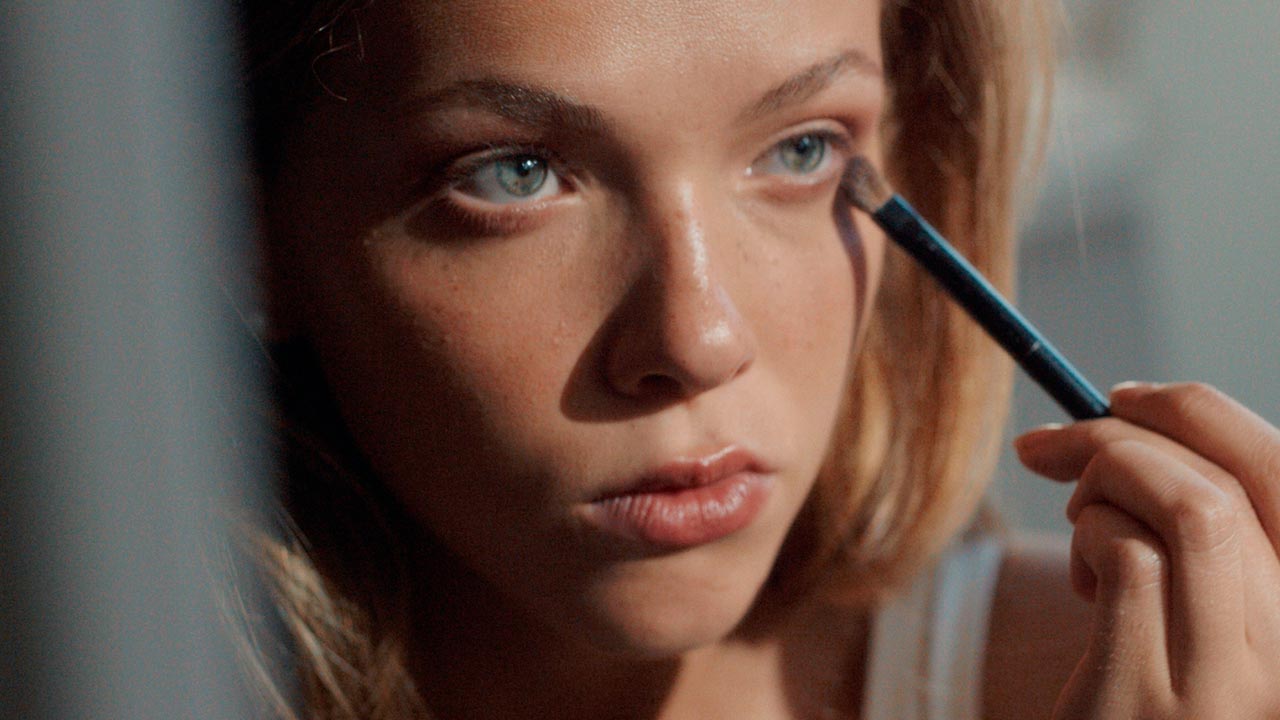
Instantly create cinematic grades based on context of your image.
With multiple tools based on real film colour science and response, fylm.ai makes it easier than ever to bring true Hollywood colour grading to your images. No other tool will make you look as good as fylm.ai.
Solstice NeuralToneAI Model
Magnolia NeuralToneAI Model
Solstice NeuralToneAI Model
Aura NeuralToneAI Model
Solstice NeuralToneAI Model
Magnolia NeuralToneAI Model
Chromia NeuralToneAI Model
Magnolia NeuralToneAI model + Exposure + White Balance
Aura NeuralToneAI model + Subtractive Colour
Magnolia NeuralToneAI model + Exposure
See what's possible. With just a few clicks.
We believe that fylm.ai is the easiest way to establish a colour-managed, scene-referred HDR show look. Check out some awesome colour grades made in fylm.ai with just a few clicks.
Premiere Pro extension is available with the Pro and Team plans as it requires the online functionality required for remote colour grading experience and collaboration.
Yes. Any colour grade created in the fylm.ai app can be synced to Premiere Pro. This grade can be created by yourself or by a collaborator from your team. Each member of your team requires a separate seat which can be added from within the app at app.fylm.ai.
Unfortunately no. Premiere Pro extension relies on functionality available on the Pro and Team plans only. You can though, test all of the colour grading tools in the free version.