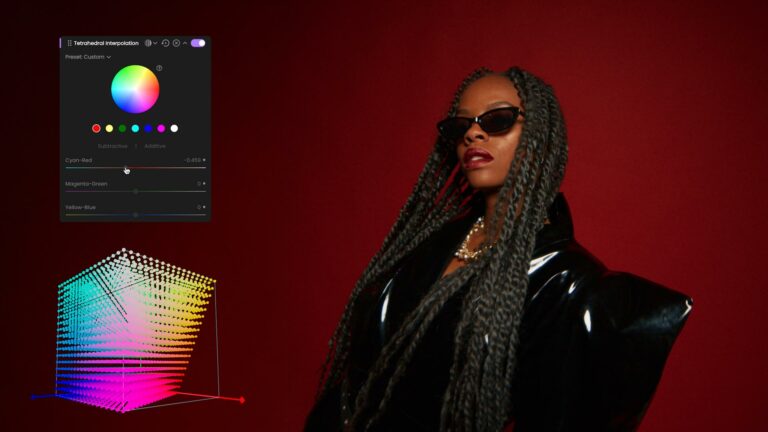

We’re excited to announce that fylm.ai 2.3 is here, bringing more flexibility, deeper integration, and powerful new tools to your colour‑grading workflow. This update is all about making your creative process smoother, faster, and more collaborative than ever.
🎬 New Premiere Pro extension
The biggest news? Our brand‑new Premiere Pro extension. With 2.3, you can now work directly inside Premiere Pro while taking advantage of fylm.ai’s grading power.
The extension allows full collaboration inside the editing software, letting your team share and sync grades in real time.
On top of that, it delivers a full remote colour‑grading experience — you can work from anywhere and ensure your grades stay perfectly synced, wherever you are. Create your look in fylm.ai, apply it instantly in Premiere Pro, and stay connected with collaborators throughout the project.
Check out this tutorial to get started with the fylm.ai Premiere Pro extension:
🌈 Full support for ACES 2.0 colour‑managed workflows
We’ve also added full support for ACES 2.0. You can now take full advantage of the new transforms and advanced colour management introduced in ACES 2.0, bringing even greater precision and consistency to your grading workflow.
🔧 Improved custom LUT Tool
The custom LUT tool has been enhanced to let you set both the input and output colour space of your LUTs. This means you can now use virtually any LUT, regardless of the colour space it was created in or the space it outputs to, giving you far more flexibility and control over your looks.
As always — to get the update, simply reload the app, and you’ll automatically be on the latest version.
If you run into anything unexpected, clear your cache and reload; or drop us a line through support.
Happy grading — and can’t wait to see what you create with 2.3!